
Four tools.One job.
Every product we build is made for the moment a buyer decides. Use one, or combine them across launch, sales center and follow-up.
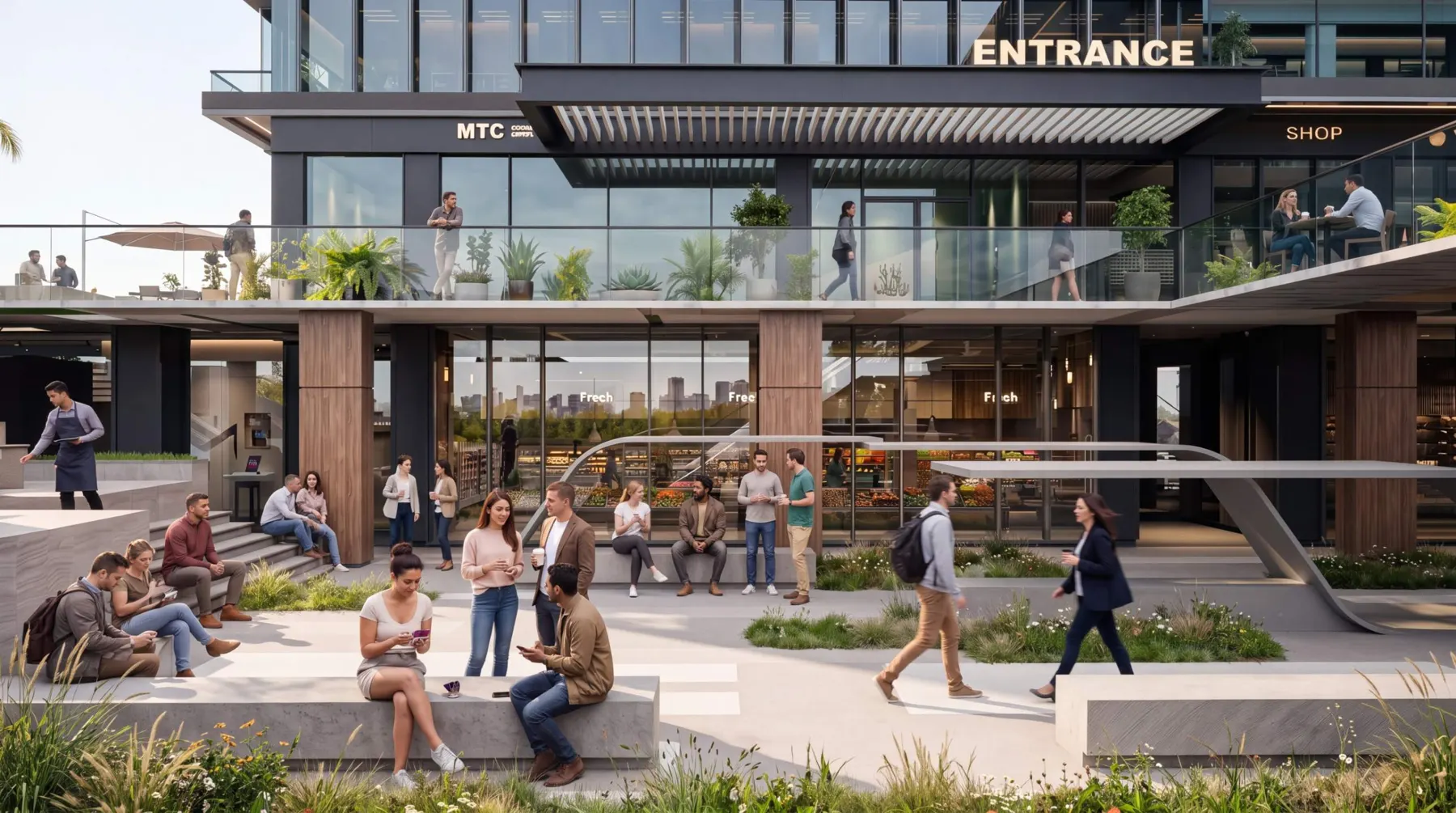
3D Renders
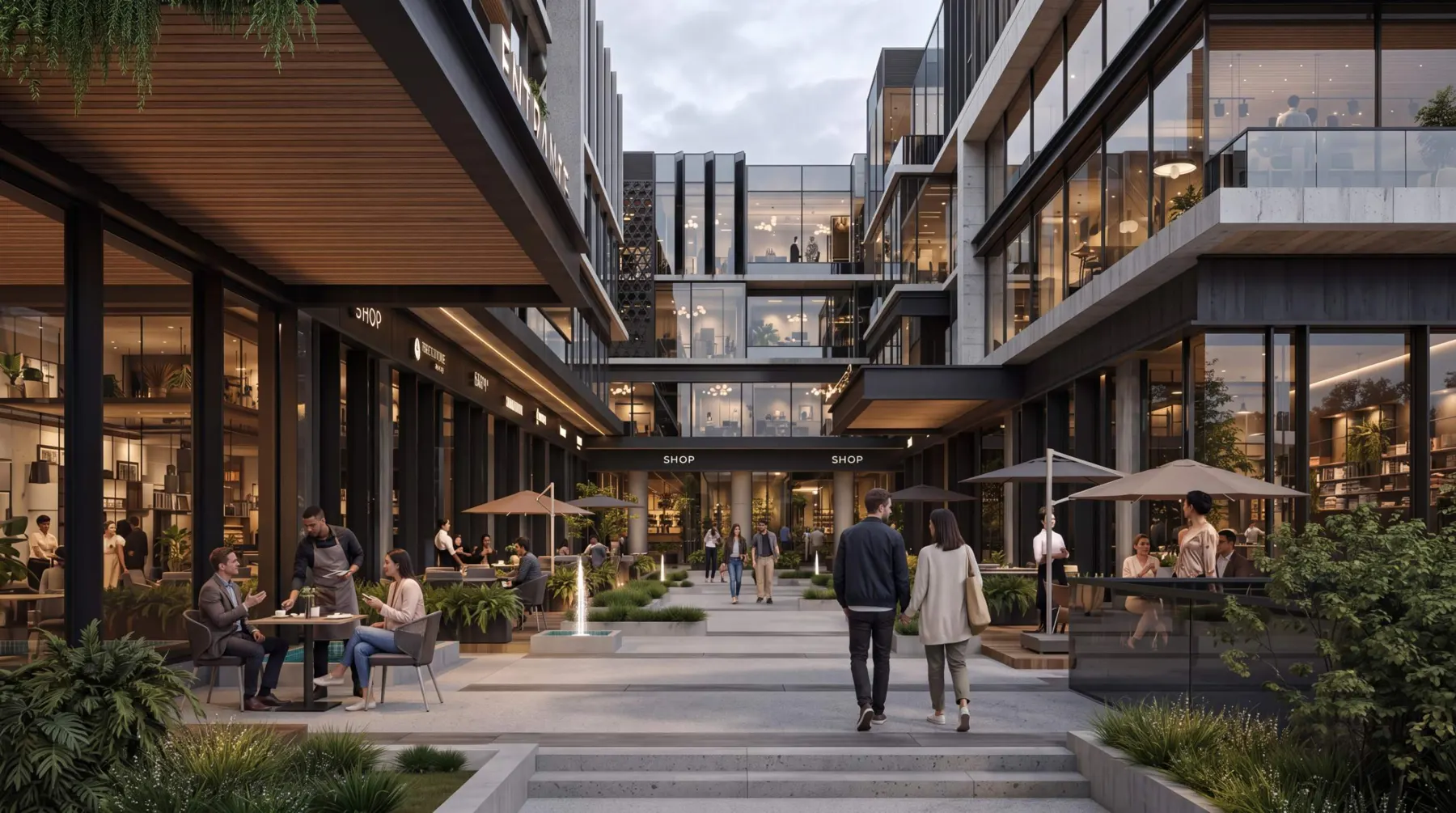
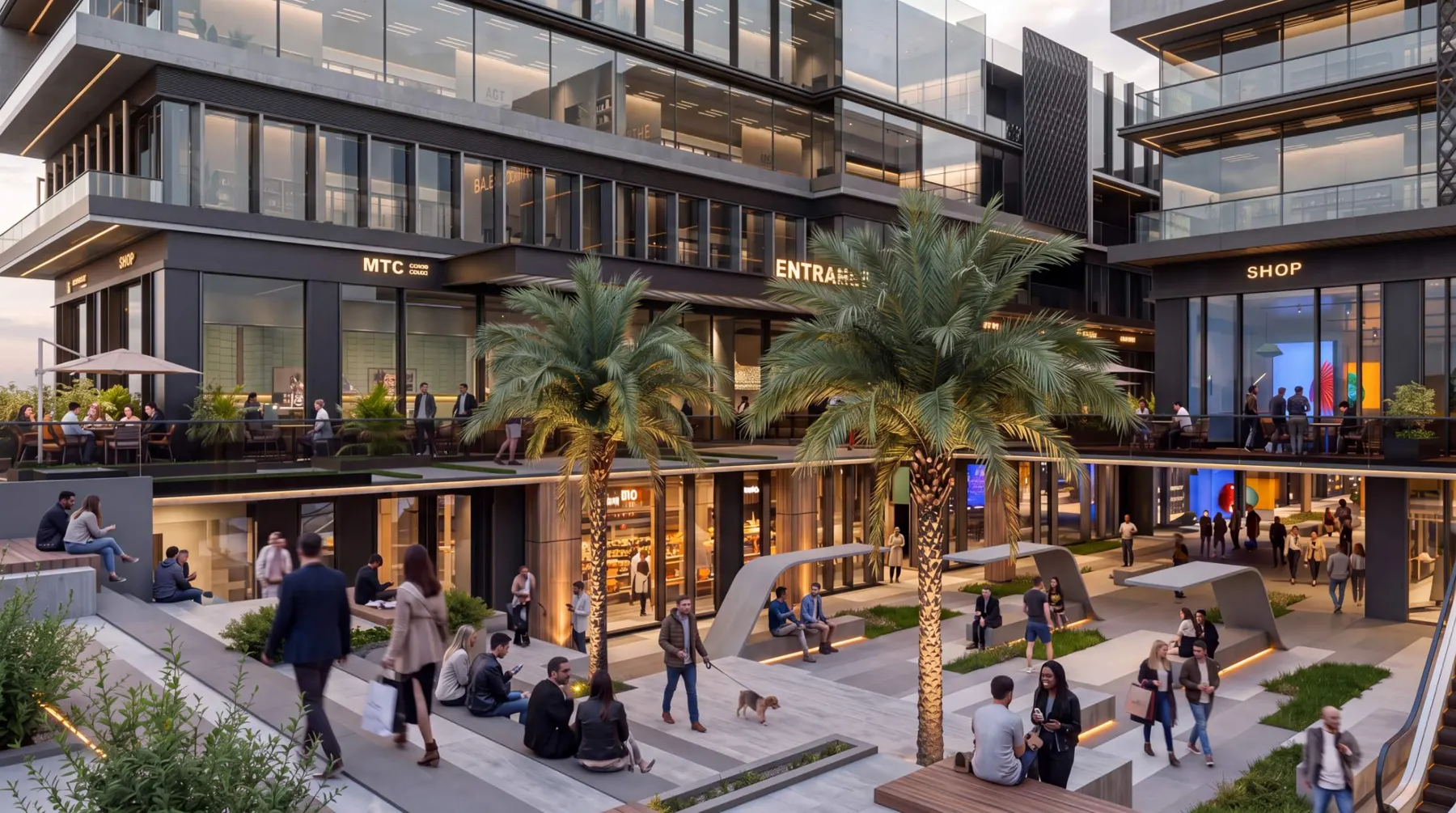
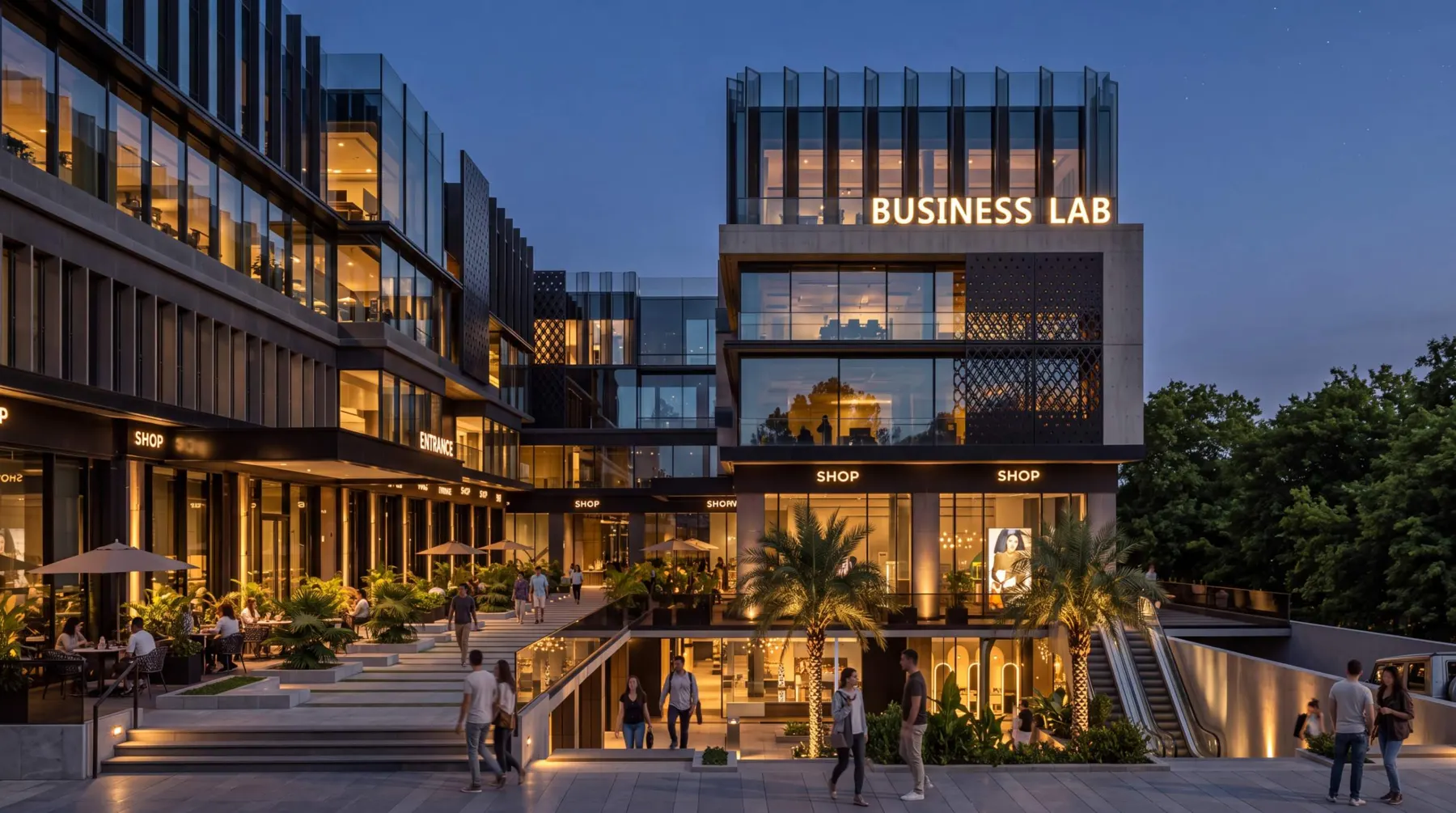
Photorealistic images that show the project as it will be lived in, not just how it will look.
What you get
- Exteriors and aerials
- Interiors and units
- Amenities and landscape
- Lifestyle scenes with people
Used in brochures, campaigns, billboards and sales presentations.
3D Animation
Cinematic films that take the viewer through the project as if it were already built, with music, light and story.
What you get
- Launch films
- Social media cuts
- Sales center loops
- Amenity and unit walkthroughs
Used at launch events, on social media and on sales center screens.
iMaquette
A digital replacement for the physical scale model. Buyers explore the whole masterplan on a large touchscreen, then pick a building and a unit.
What you get
- Interactive masterplan
- Building and unit selection
- Unit layouts and views
- Amenities and surroundings
Used in sales centers and at exhibitions like Cityscape.
InMap
The whole project in one link, on any phone, tablet or laptop. Nothing to install. The sales team shares it and buyers explore on their own time.
What you get
- 3D masterplan to explore
- 360° view of every building
- Live unit availability
- Downloadable unit sheets
- Interest registration
- Leads sent to sales instantly
Used by sales teams on WhatsApp, email and in follow-ups with remote buyers.
From drawingsto decisions.
- 01
Understand
We study the project, the target buyer and how your sales team sells.
- 02
Build
We turn the drawings into a detailed 3D world, true to the architecture.
- 03
Bring to life
Light, people and atmosphere, so buyers picture their own day there.
- 04
Launch
Renders, films, iMaquette and InMap, ready for launch and the sales center.